
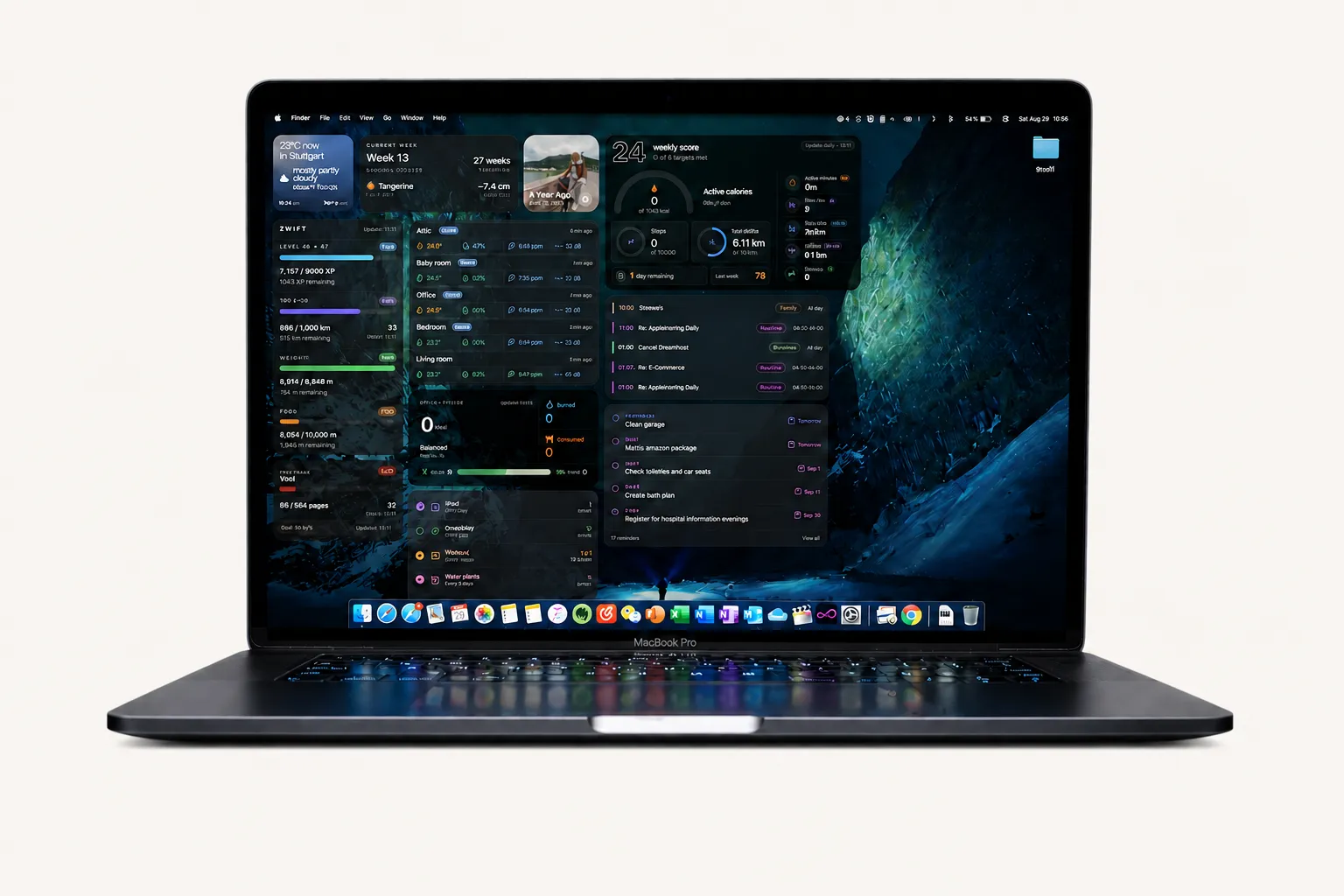
I wanted a desktop that worked the way I do. So I built widgets for Übersicht.
I tried several desktop apps, but none let me arrange information the way I wanted. Übersicht is a free macOS app that lets web-powered widgets live on the desktop. I started building the small tools I wanted to see every day.
Widgets to download.
Free Übersicht widgets for macOS, designed to keep the essentials within view.
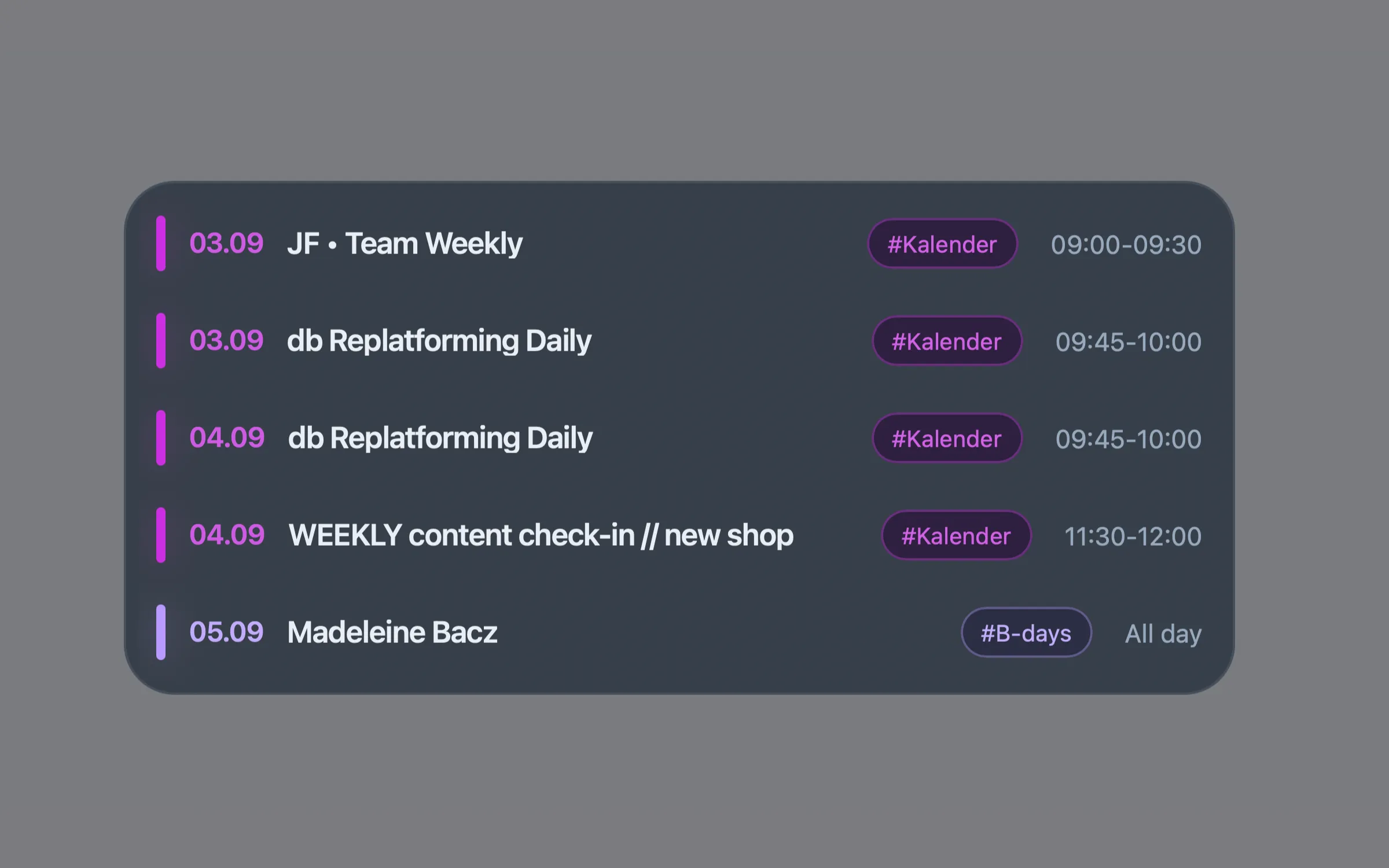
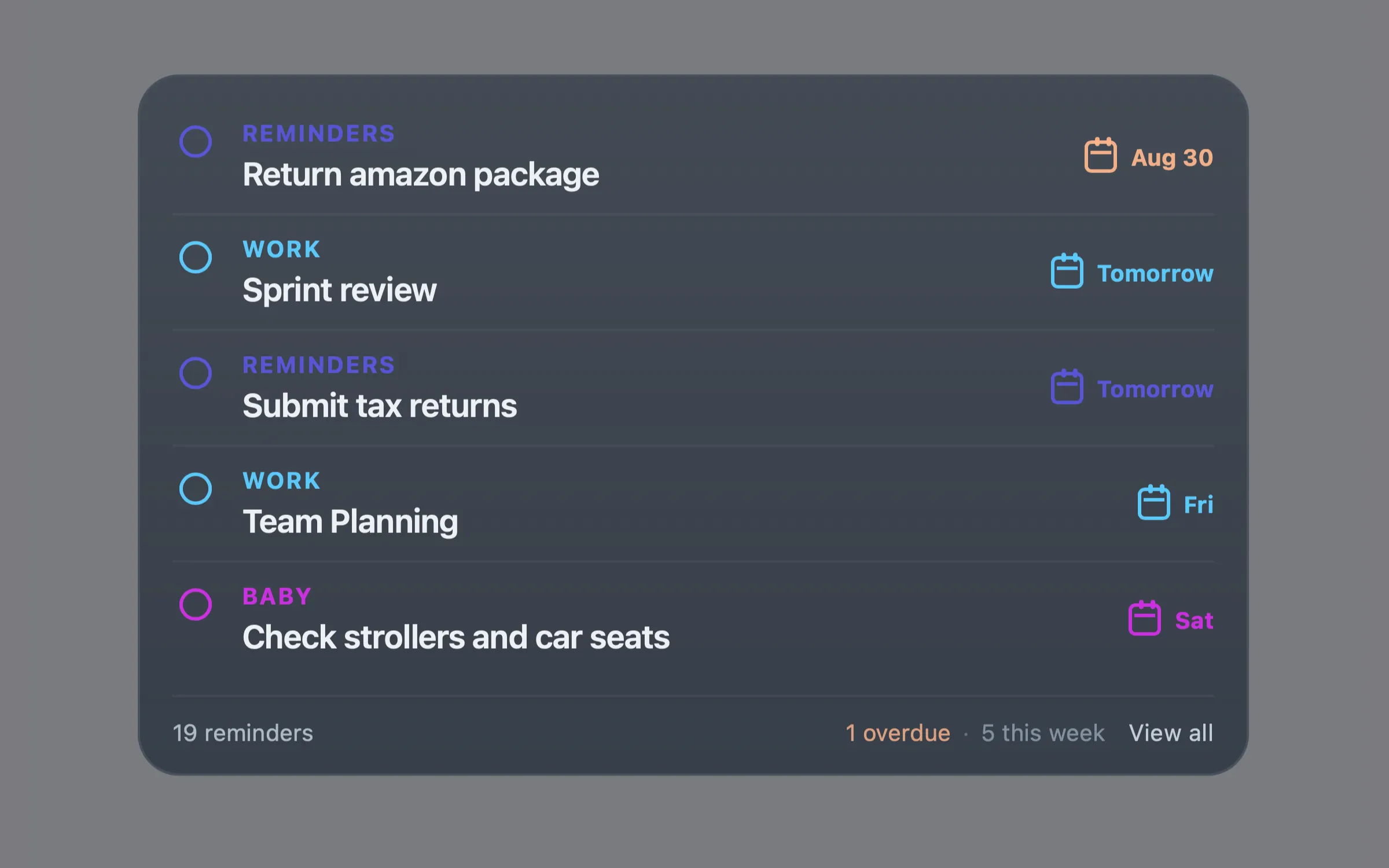
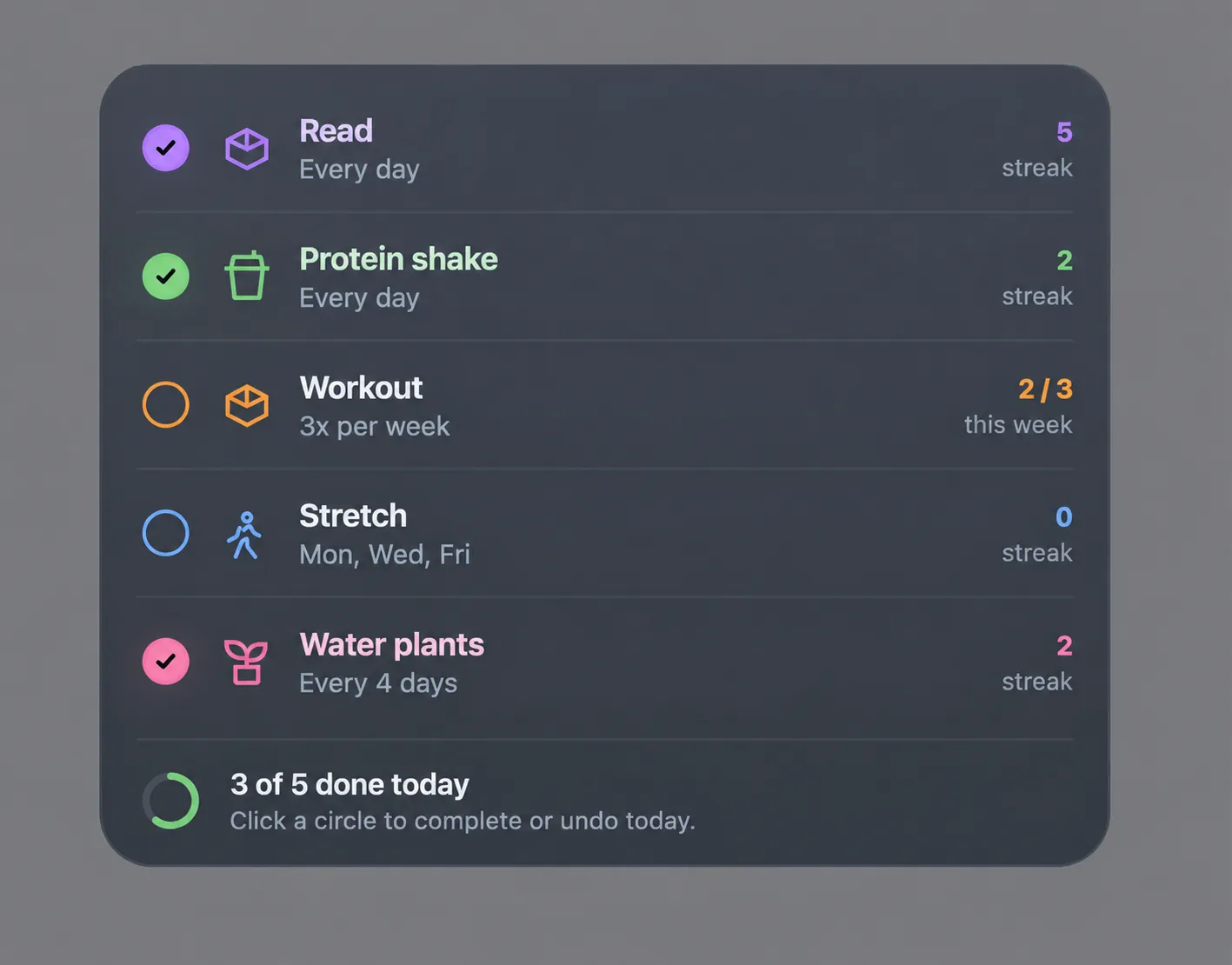
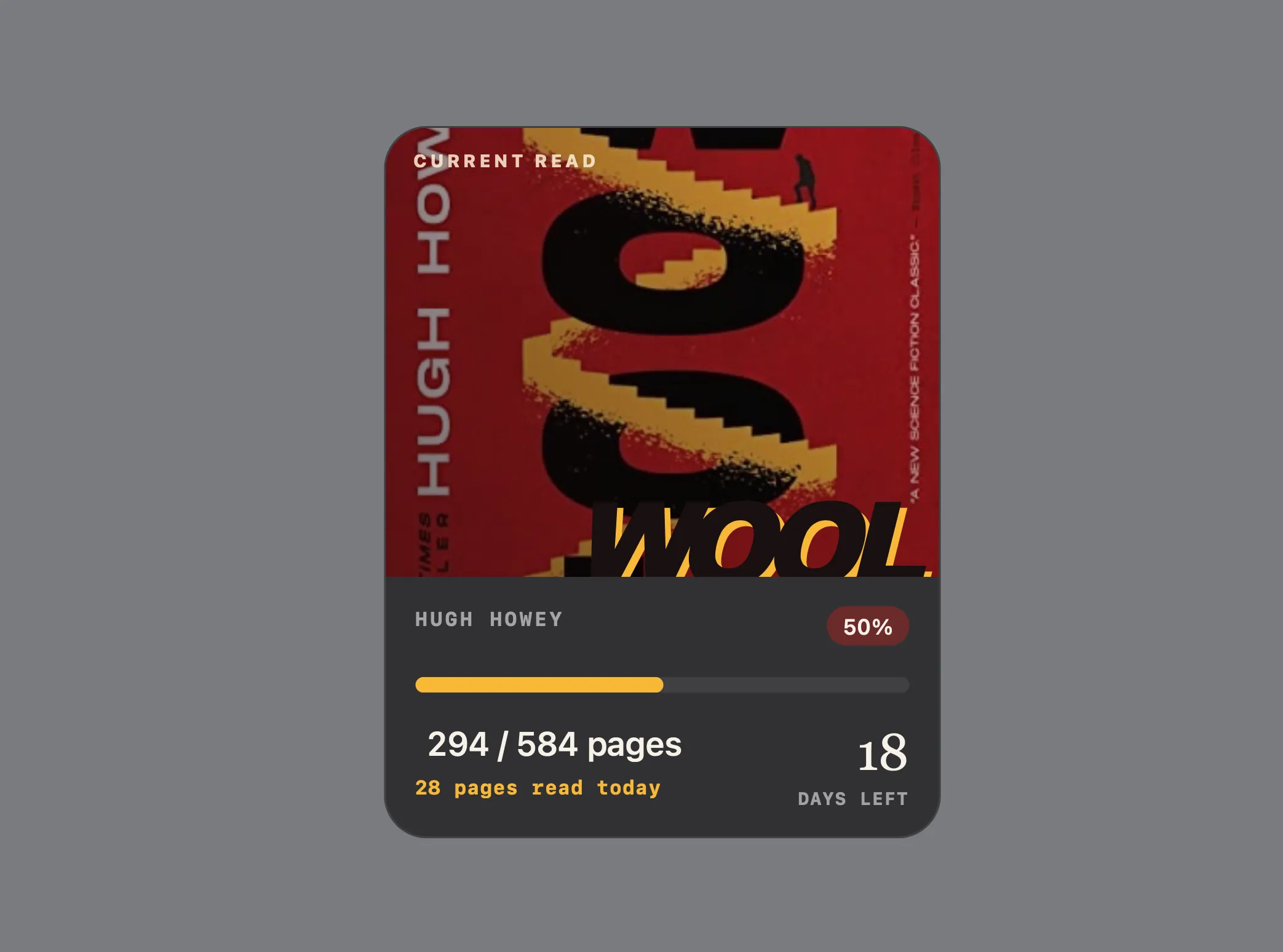
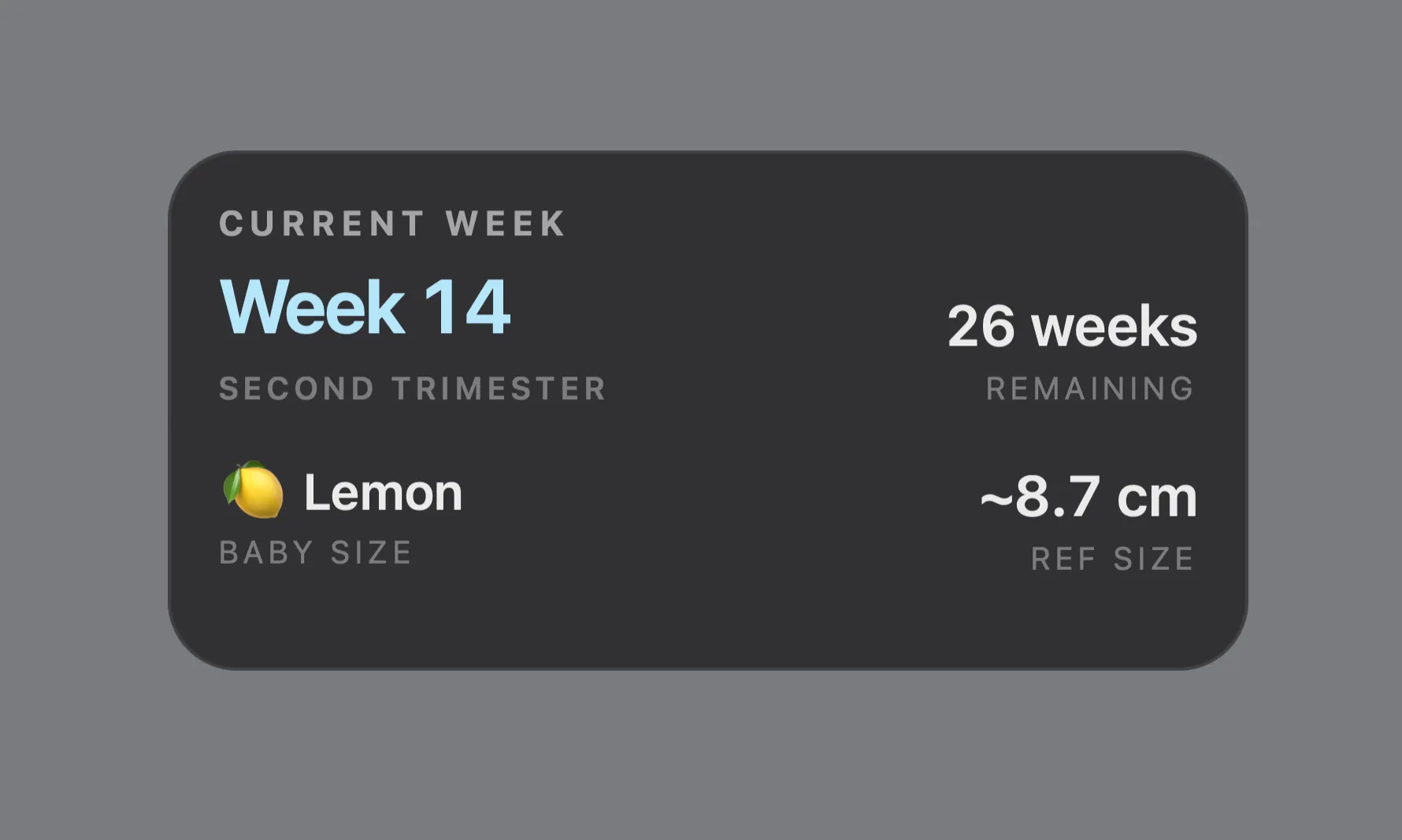
Calendar, Weather, Reminders, and Streaks are available now. Reading is in testing.
All widgets on GitHub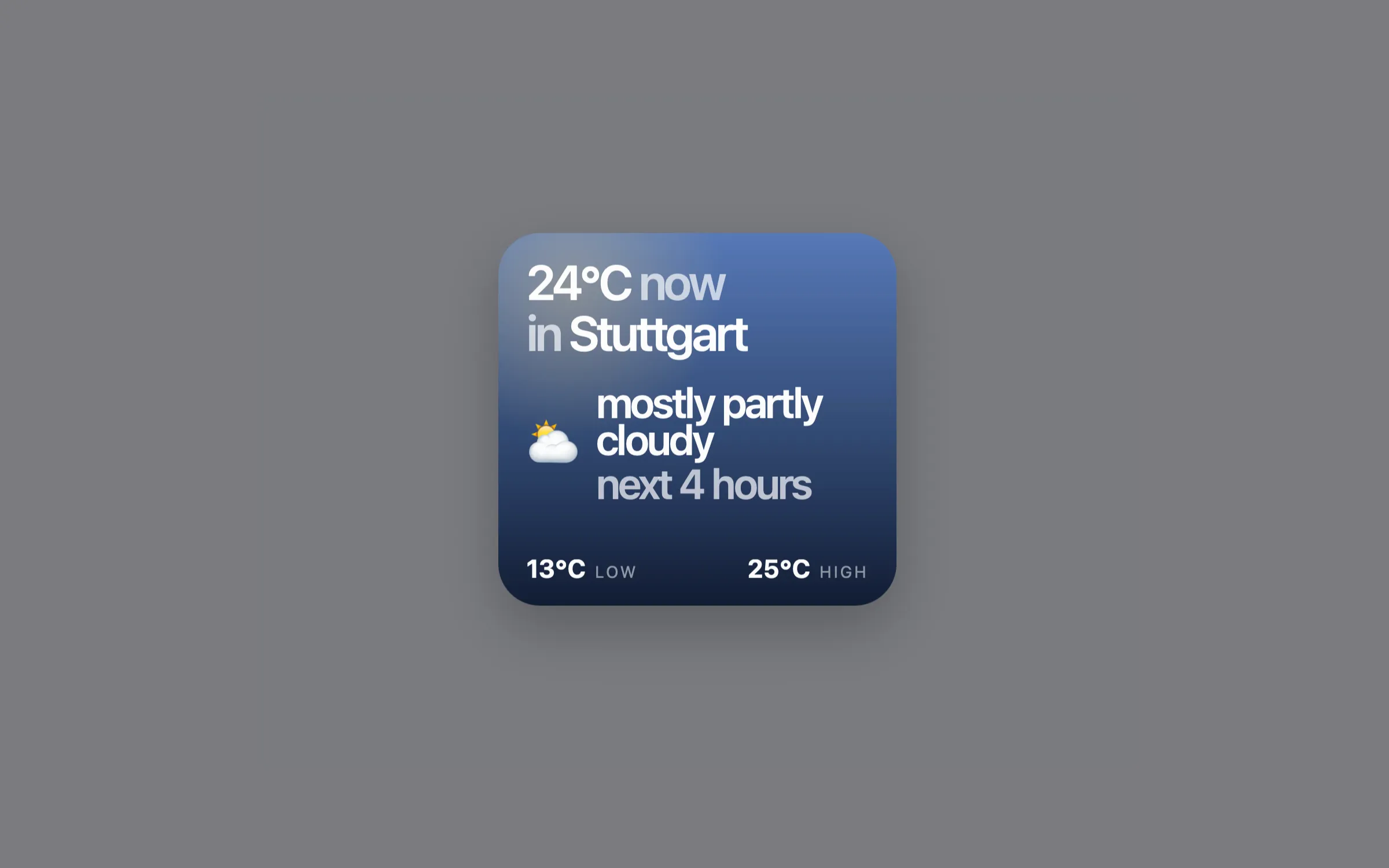
Built on Übersicht.
Übersicht is a free, open-source macOS app for placing web-powered widgets directly on your desktop.
It gave me the flexibility to build a desktop around the information I actually use.
About Übersicht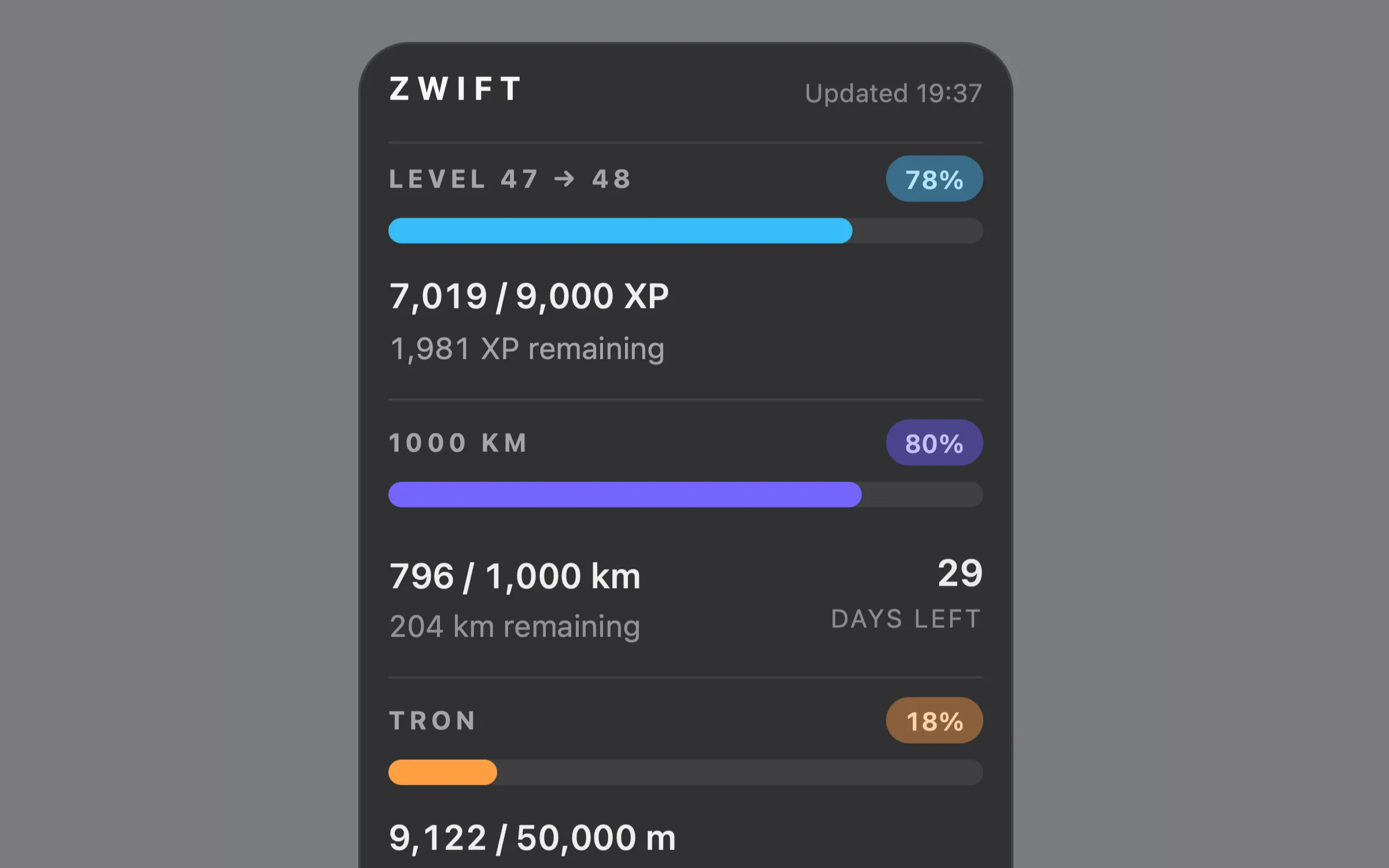
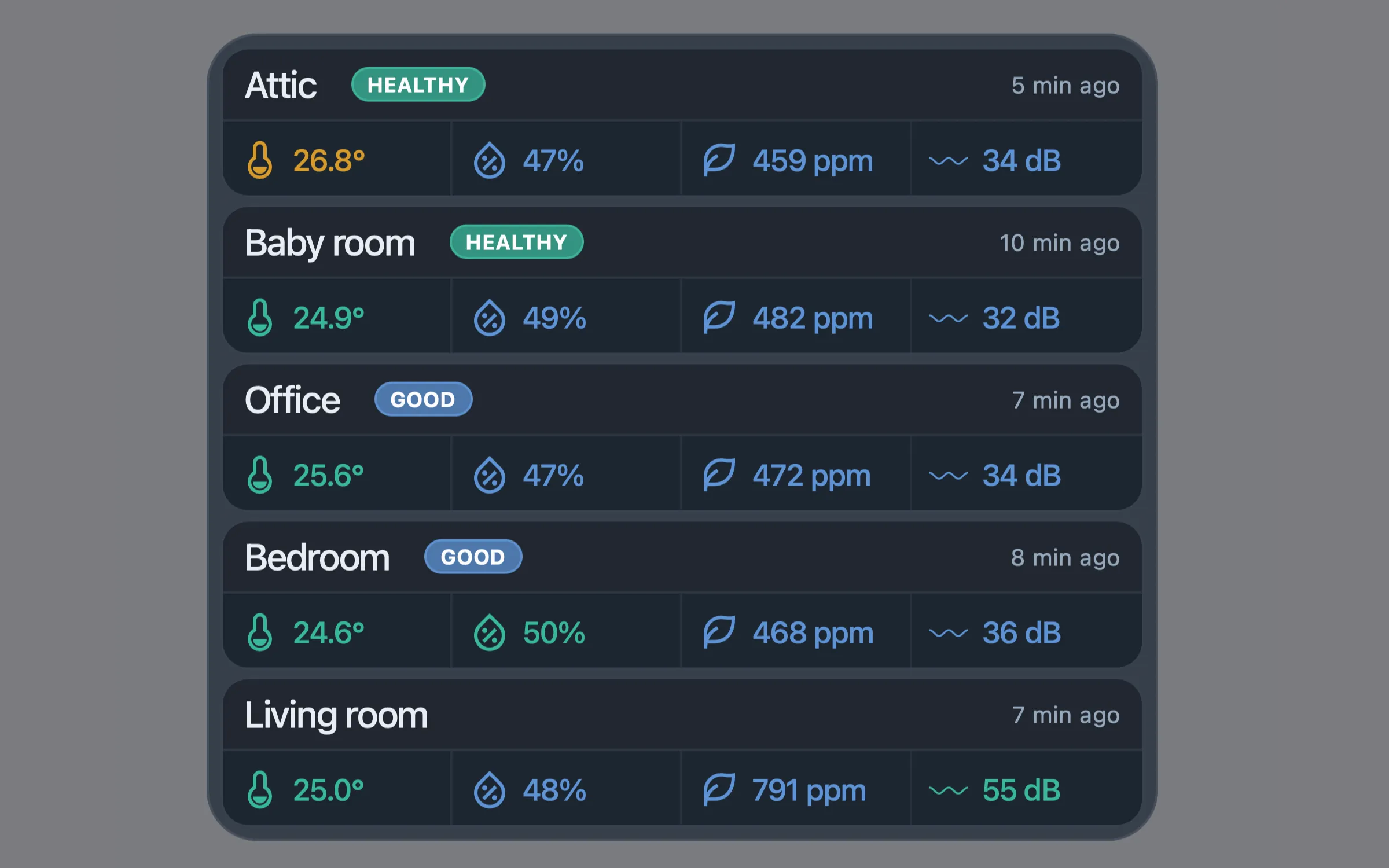
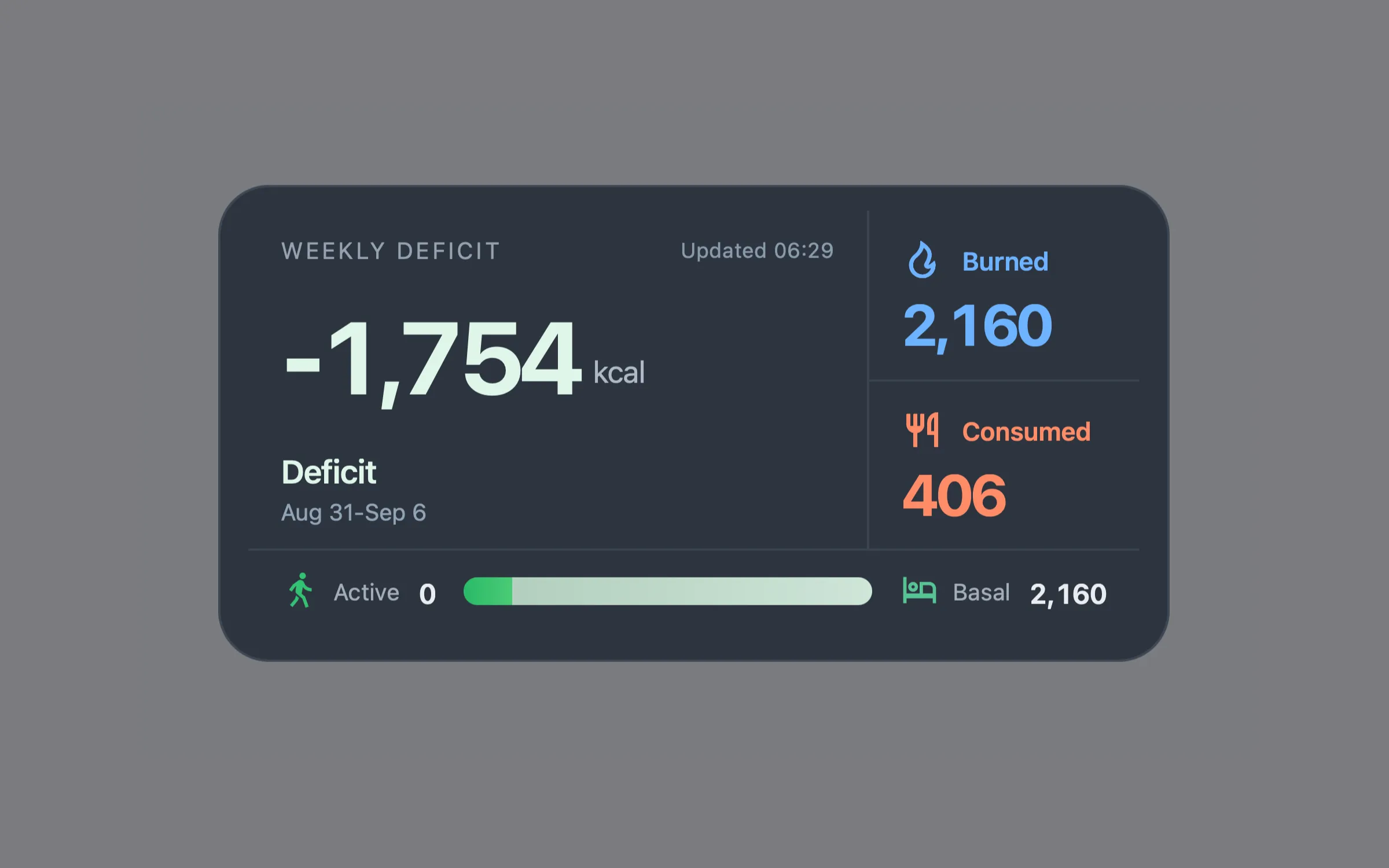
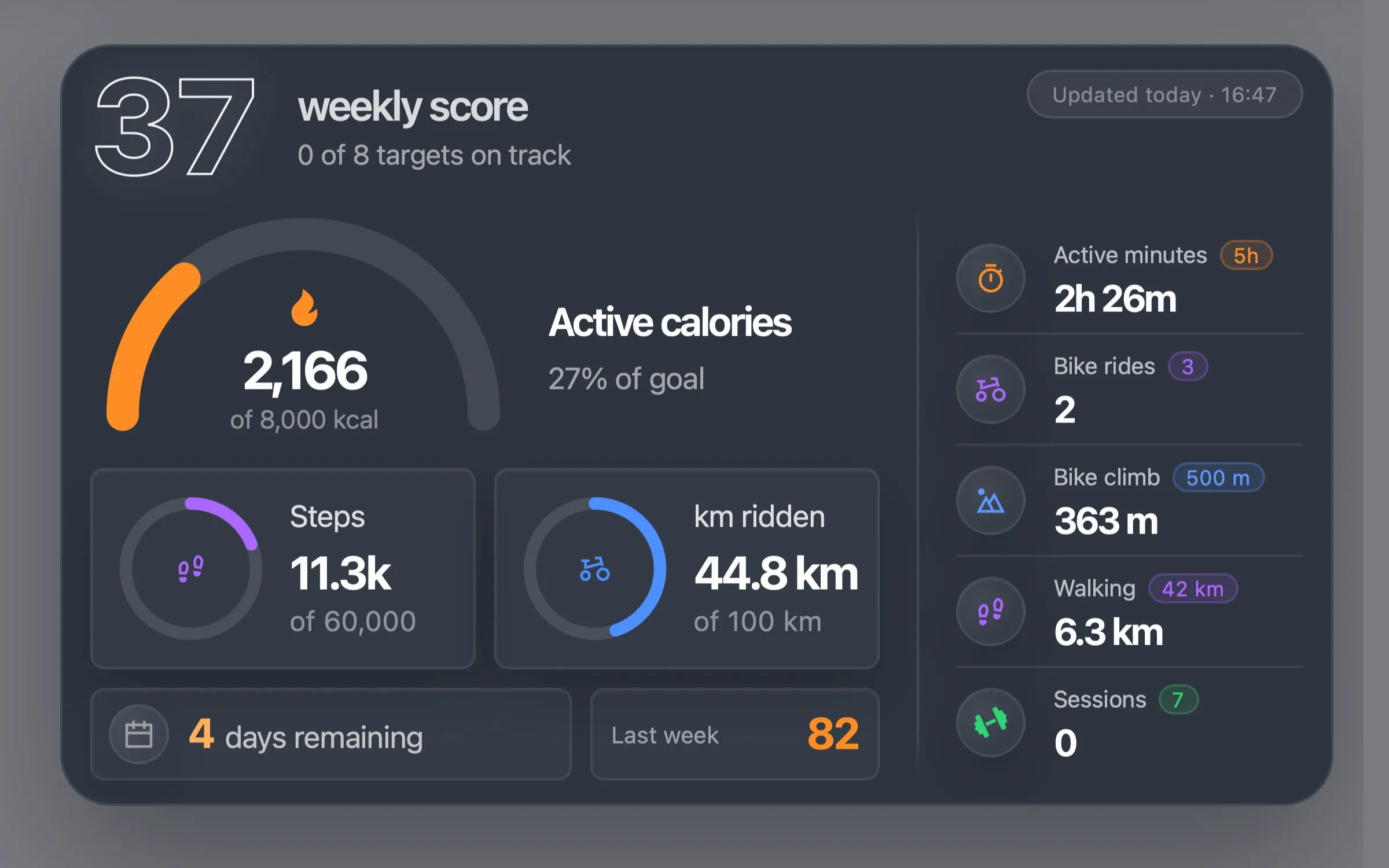
Start using widgets.
Install Übersicht, download a widget, and add it to your desktop.
01
Install Übersicht
Download Übersicht for macOS and follow its setup documentation.
Download Übersicht02
Choose a widget
Start with Calendar, Weather, or Reminders, then open its page to see what it does and how to install it.
03
Add it to your desktop
Follow the widget's setup notes and adjust its settings for your routine.
Browse widgets